
Learn Mobile, Laptop & CCTV Repairs – Start Now!
Free Demo Class worth ₹3000 happening this Saturday in T. Nagar! Turn your tech passion into profit—join our Mobile & Laptop Repair Course and become a certified technician. Few seats left—book now!
Don’t Miss Your Free ₹3,000 Demo Class
Only 9 spots left out of 30
Limited spots! Free class this Saturday in T. Nagar, Chennai. Book now before it's full!
Join the Top-Rated, 4.9/5 Google-Recommended Life-Changing Course!
Discover Why Students Love Us!
Why Choose Us?
Hands-On Learning with Real Devices
Learn from Industry Experts
Affordable & transparent Pricing
100% Job Placement Assistance
International partnerships
Guaranteed life time mentorship
Master the Art of Electronics Repair with ICFix's Elite Training Programs
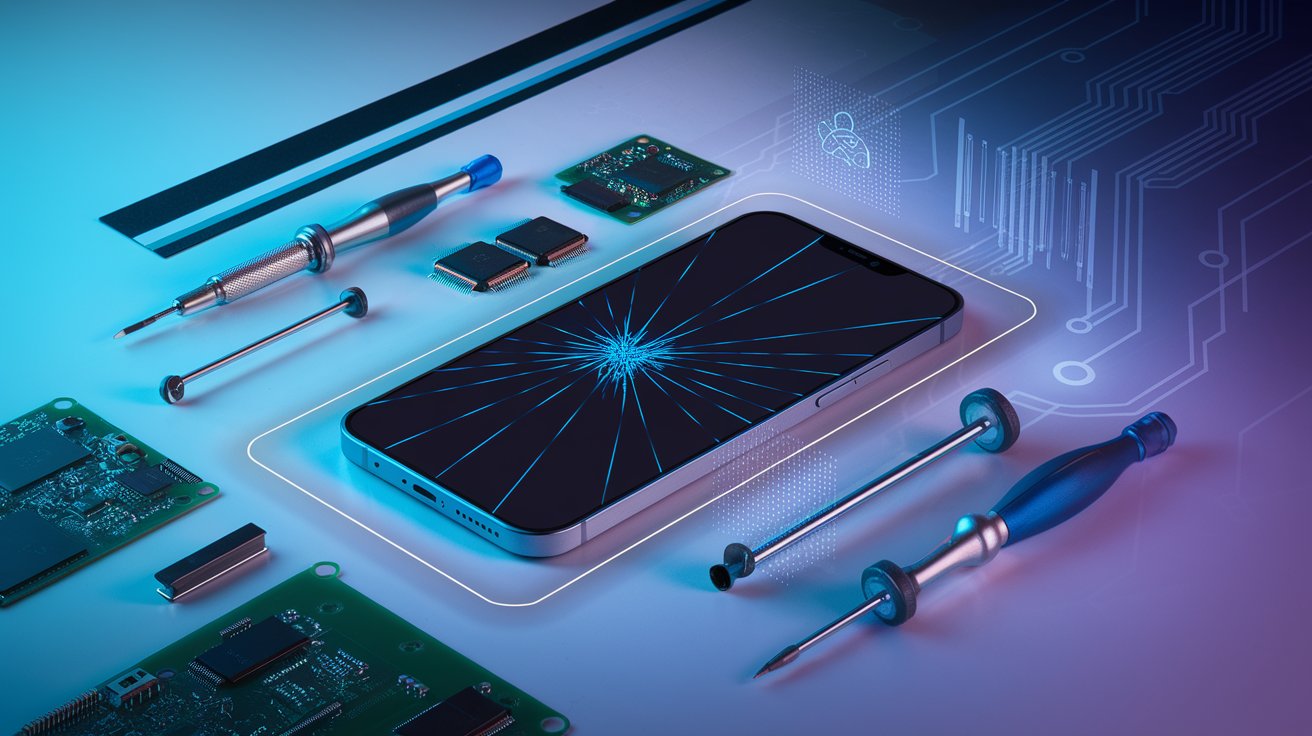
Ultimate Mobile Repair Mastery Program
Learn more >
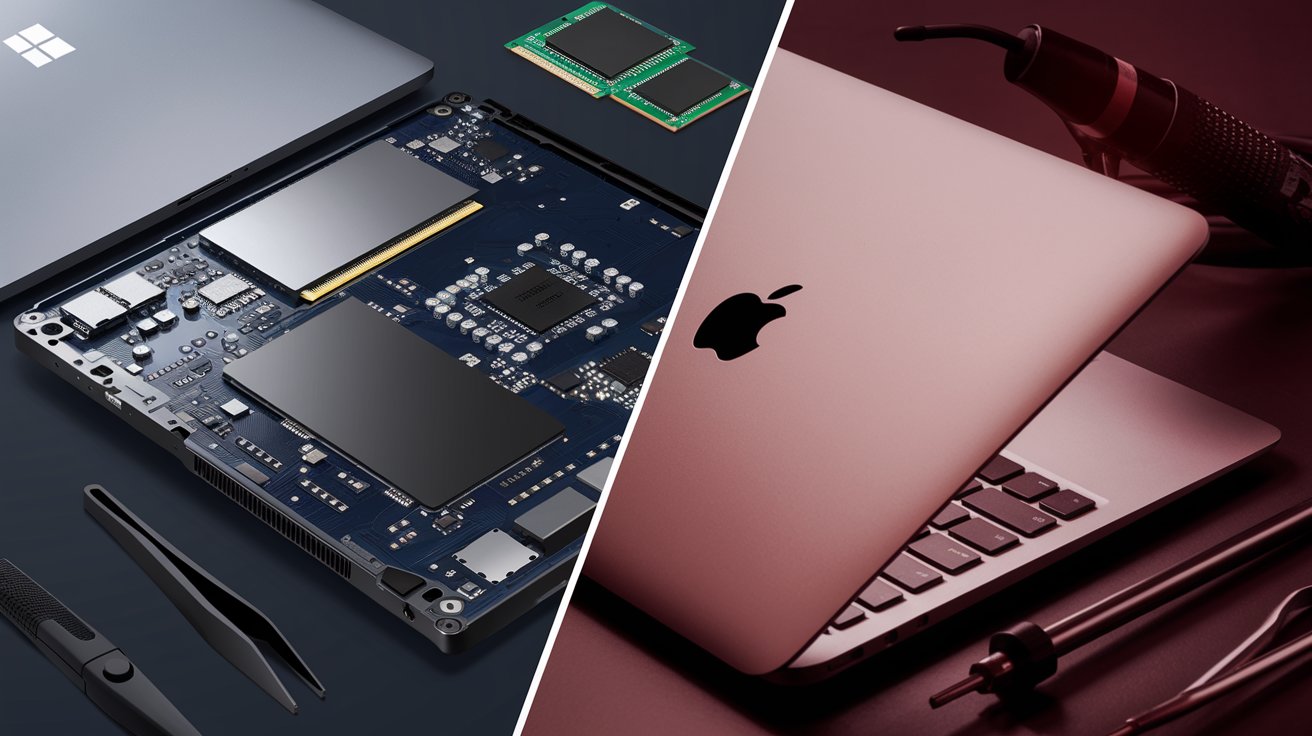
Expert Laptop & MacBook Repair Certification
Learn more >
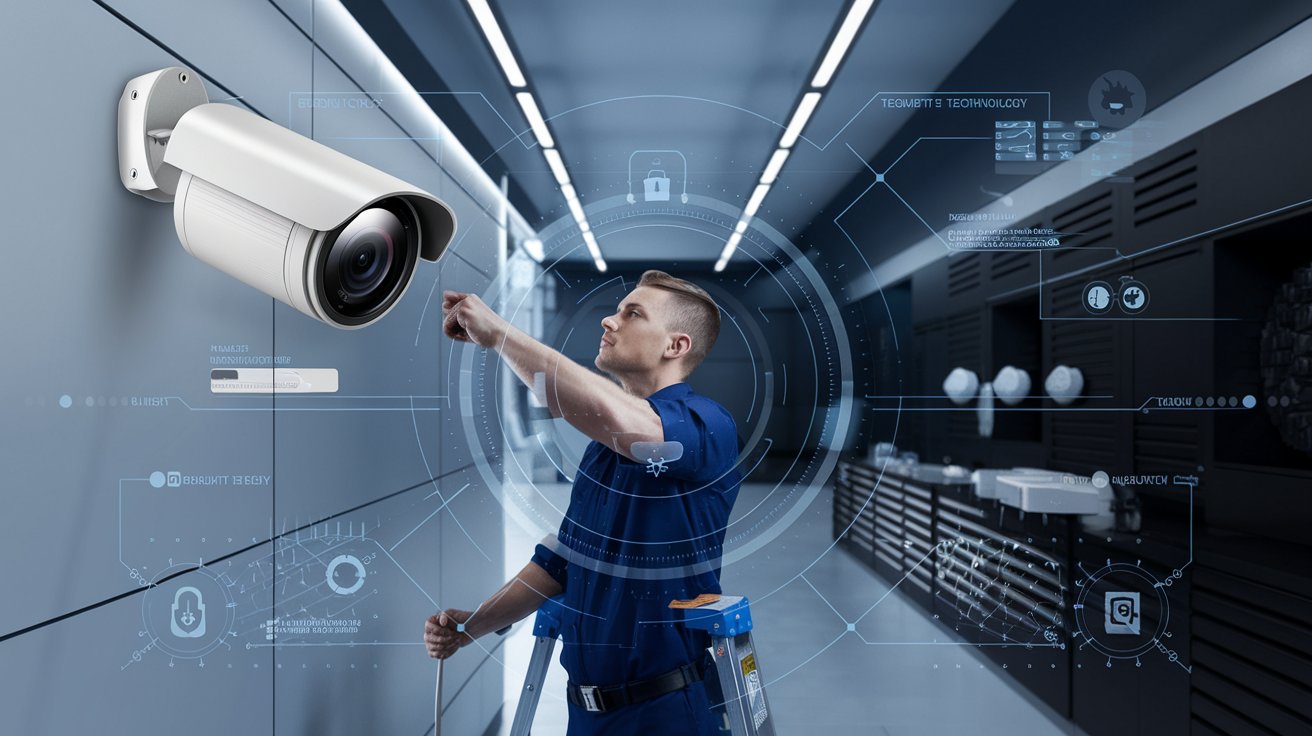
Advanced CCTV Installation & Security Pro Certification
Learn more >
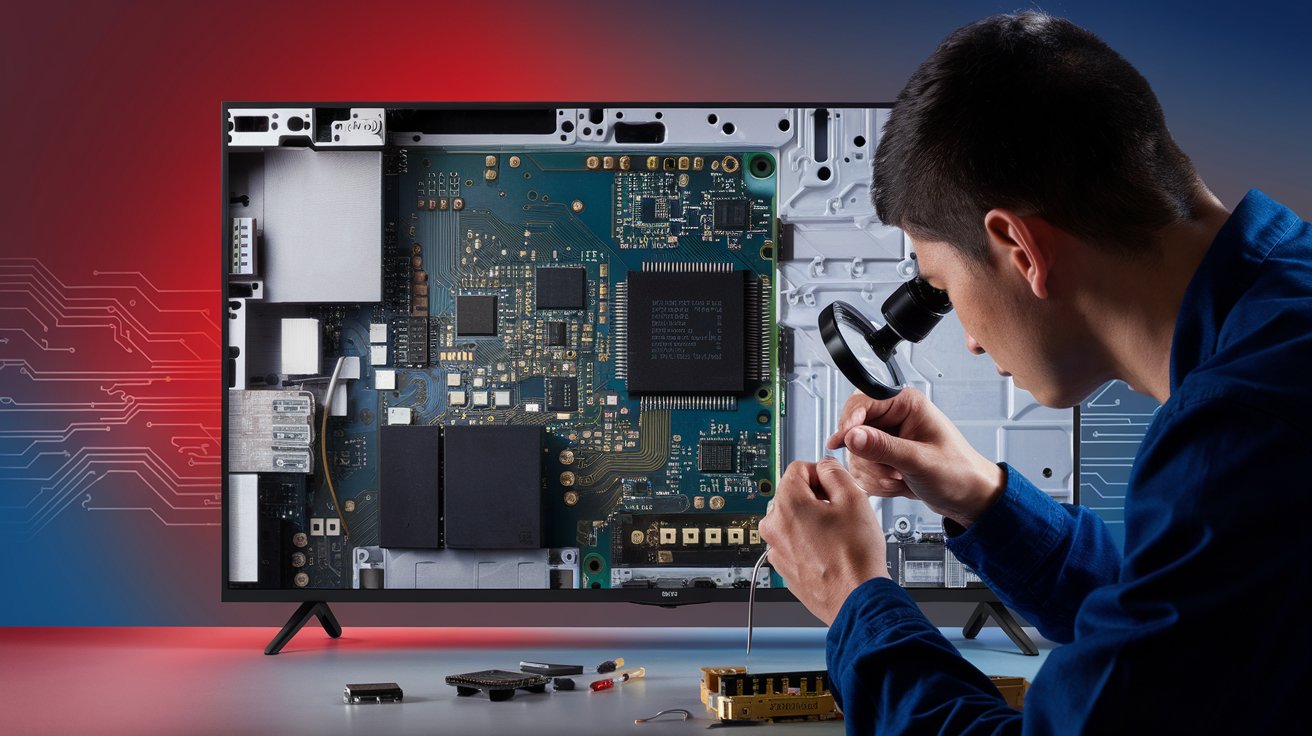
Elite TV Chip-Level Repair Certification Program
Learn more >
A Detailed Overview of Courses Offered at ICFix
eMMC SYLLABUS
Basic Electronics
- Fundamental of electronics
- Active components and passive components
- Electronic components parameter and symbols
- Function of Multimeter
- Function of LCR meter
- SMD Components checking
Motherboard Troubleshooting
- Introduction to Printed Circuit Board
- Types of circuits
- Sections in motherboard
- Introduction to schematic diagram
- Combinett pro tool
- Borneo tool
- Android & Iphone circuit tracking
- Jumpering techniques
- Under masking jumper techniques
eMMC Hardware Repair
- Fundamentals of eMMC
- Reballing CPU, eMMC, Power ICs
- Glued IC removing & replacing techniques
- NAND IC removing and replacing techniques
- Tracking eMMC issues
eMMC Software Repair
- Programming eMMC
- Programming tools
- Software read write tips and techniques
- Concept of FRP lock
- New model FRP unlock
- Concept of ISP pinout supply testing
- Dead boot
- Usage of UFI
- Usage of UMT PRO
- Usage of JTAG PLUS
- Expansion of internal memory
- Troubleshooting of pattern pin issues and solution
- Troubleshooting of MI issues and solution
- Troubleshooting of lock issues and solution
Iphone Master Course
Basic Electronics – Overall Components & Circuits – Recap
Advanced Electronics – MOSFETs, Sensors, NTC, Voltage Divider, Etc.,
Communication Protocols – UART, SPI, I2C, I3C, RFFE, Onewire working principle
Circuits – Charging, USB, Power Button, Bootup, Display Circuits
Resistance Logic – Troubleshooting using resistance value logic
iPhone Power on Sequence – iPhone Power on sequence logic
Sections Identification – Overview on Section identification using Schematics
Advanced Heat Control – Heat Control and Nozzle Size Selection
SMD Rework – Removing & Refixing the Micro SMD Components
Pad Rework – Missing Pads Rework / Repair
IC Rework – IC Reballing and practise
Sandwich Board Separation – Sandwich Board separation and practise
Low Risk Method – Reballing NAND, WiFi, PMU, CPU, EEPROM
Thermal Camera – Short Circuit Identification using Thermal Camera
Face ID – Face ID, Dot Projector, IR & Flood Illuminator Rework
Reprogramming – NAND Programming Tools
Memory Expansion – Expanding the Internal Storage Memory
Error Codes – iTunes Error Codes / Panic Log and Solutions
Restore & Recover – Restore Firmware & Recover Serial Number, WiFi, BT Address
Activation Issues – Activation Problems and Solutions
True Tone – iPhone Display Colour Correction using True Tone
Laptop Chip-Level Syllabus
Basic Electronics
- Basics of Electrical and Electronics
- PTH and SMD Components
- Resistor – Definition, Types, Applications
- Capacitor – Definition, Types, Applications
- Inductor – Definition, Types, Applications
- Diode – Definition, Types, Applications
- Transistor – Definition, Types, Applications
- MOSFET – Definition, Types, Applications
Working with Electronics
- Components Identification
- Working with Multi-meter
- Testing Components
- Hot Test and Cold Test
Electronic Circuits
- Open, Closed and Short circuits
- Series and Parallel circuits
- Block diagrams and Circuit Diagrams
- Schematic diagrams
- Circuit Tracing
Laptop Motherboard Overview
- Laptop Block Diagram
- Parts of Laptop
- Parts and Description
- Switching Mode Power Supply (SMPS)
- Flex Cables, Connectors, Ports and Sockets
- Various Sections of Laptop
- Labelling components & Sections
- Sectional testing methods and tips
Laptop Chiplevel
- Voltage Input Section
- Battery Charging Section
- Power Regulator and Buck regulators
- IO Section
- RAM Section
- PCH, Clock, BIOS Section
- CPU Core Section
- Schematics and Board view
- Repair Flowchart
Additional Topics – If Required
Soldering
- How to use Soldering station
- Procedure and Tips for perfect soldering
- Smoothing – Smoothing the PCB pads
- Jumpering – Jumper damaged tracks
Hot Air Blowering
- How to use Hot air Blower
- Temperature adjustments, Techniques
- Removing and Refixing SMD Components
- Removing and Refixing Connectors
- Removing and Refixing IC’s
How many batches have been completed by your institute?
MacBook Level -1
- MacBook generations and timeline
- MacBook Architectures and its Description
- Fundamentals of electrical and electronics
- Resistor – Definition, Types, Applications
- Capacitor – Definition, Types, Applications
- Inductor – Definition, Types, Applications
- Transformer – Definition, Types, Applications
- Diode – Definition, Types, Applications
- Transistor – Definition, Types, Applications
- MOSFET – Definition, Types, Applications
- PTH and SMD Components Identification
- Working with Multi-meter
- Testing Components
- Open, Closed and Short circuits
- Series and Parallel circuits
- Circuit and Schematic diagrams
MacBook Level -2
- How to use Soldering station
- Procedure and Tips for perfect soldering
- Practise – Soldering and Desoldering
- Smoothing – Smoothing the PCB pads
- Jumpering – Jumper damaged tracks
- Assessment – Soldering and Desoldering
- How to use Hot air Blower
- Temperature adjustments, Techniques
- Removing and Refixing SMD Components
- Removing and Refixing Connectors
- Removing and Refixing IC’s
MacBook Level – 3 ( Common Faults)
- Labelling components & Sections
- Sectional testing methods and tips
- Strips and Connector issues
- Camera, Finger print, Sensors issues
- Touch Bar & Display – Types & issues
- Bluetooth, Wi-Fi issues
- Battery and Charging issues
- Audio section, Network section, Power section
- Dead or Short circuit issues
- Various Power Supply of MacBook
- Standby and Power-on Timing Analysis
MacBook Level – 4
- Voltage Input Section
- G3H Section
- Power Regulator and Buck regulators
- SMC Section
- Battery Charging Section
- RAM Section
- PCH, Clock, BIOS Section
- CPU Core Section
- MacBook Power rails
- Schematics and Board view
- Power Sequence of MacBook pro and Air
- Repair Flowchart
- Troubleshooting dead MacBook
- Introduction to T1 and T2 Chips
- Introduction to M1 Chip
- USB Type C – Boosting circuit
Level – 5 ( NAND )
- Jumpering techniques
- Under masking jumper techniques
- Reballing CPU, NAND, Power ICs
- Glued IC removing & replacing techniques
- NAND IC removing and replacing techniques
- Expansion of internal memory
Led/Lcd TV Chip Level Technical Servicing Engineering Course
1. INTRODUCTION
>Televisions / Working Principle of CRT,LCD,TFT and Plasma
> Difference between LCD and LED
> Difference Sizes of LCD Television
> SAFETY PRECAUTIONS
2 . FUNDAMENTALS OF ELECTRONICS AND COMPONENTS
> Types of Electronics
> PTH ,SMT and Mixed Electronics
> Active and Passive Components and Testing
3. PSU – POWER SUPPLY UNIT (SMPS )
> EMI Filter ,
> PWM Out Put Switching,
> SM Transformer and
> DC High Filter
4. BACK LIGHT UNIT
> CCFL and LED Light Source
> Inverter and LED Drivers
> Testing Back Light
5. MOTHER BOARD OR MAIN BOARD
> Micro Processer Unit
> RF , IF , SIF ,VIF and Enable signals
> Audio Optical, HD , Stereo and Mono Sound
> RAM and ROM
6. TYPES OF REGULATORS
> STB, DC to DC Converter Dc To DC Buck
7. ASSEMBLING AND DISASSEMBLY ,
> LCD TV , LED TV an smart TV
>Convert LCD TV to LED TV
8. DISPLAY PANEL AND TECHNOLOGY
> LCD, TFT and Plasma and O-LED Screens
> Scalar and T-CON BOARD
> Lcd Panel Voltage and Details
> LVDS Cables an connectors Matching
10. FAULT FINDING AND TROUBLESHOOTING
> General Card Level troubleshooting
> Chip level Service Troubleshooting
> Sections Troubleshooting
11. SOFTWARE AND SOLUTION
> EPROM Updating and Flashing and Troubleshooting
12. ACTVITIES
>LED Back Light Test With Led Tester
> Display Panel Testing With Panel Tester
> Universal Board U11 ,
> Combo Board Institution
> Convert LCD TV to LED TV
A Message from Our Founder/CEO!
Join the Largest Community of Technicians in Tamil Nadu with Over 12,000+ Proud Alumni!
With over 15 years of experience, we have trained 1,500+ batches and helped 12,000+ students build successful careers across Tamil Nadu. Our flagship programs provide practical training in mobile, laptop, TV, and CCTV repair, turning students into skilled experts and industry leaders. We also offer a dedicated doubt-clearing section to support your learning. Now is your chance to join this growing community and take the next big step in your career!
Years of operation
Batches Completed
Graduated masters
Career opportunities
Mobile Repair Technician
Laptop & MacBook Technician
TV Repair Specialist
CCTV Technician
Service Center Technician
Entrepreneur
Technical Support Engineer
Consultant for Corporate Clients
Trainer/Instructor
The Team behind ICFIX

ER ABDUL HAMEED A
Founder & CEO

ER KARTHICK
CTO of ICFix Services
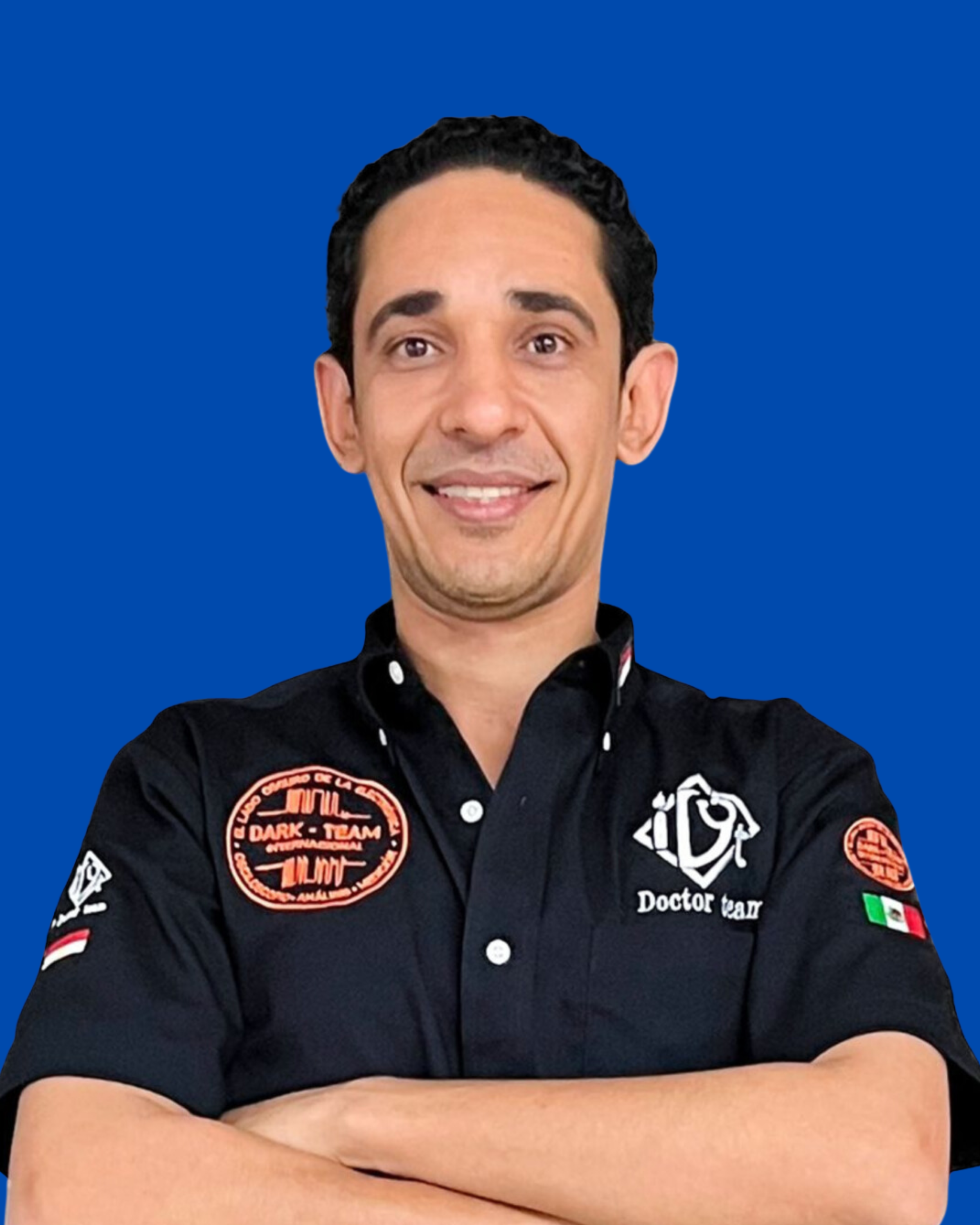
MR MICHAEL
Founder of IDoctor Team
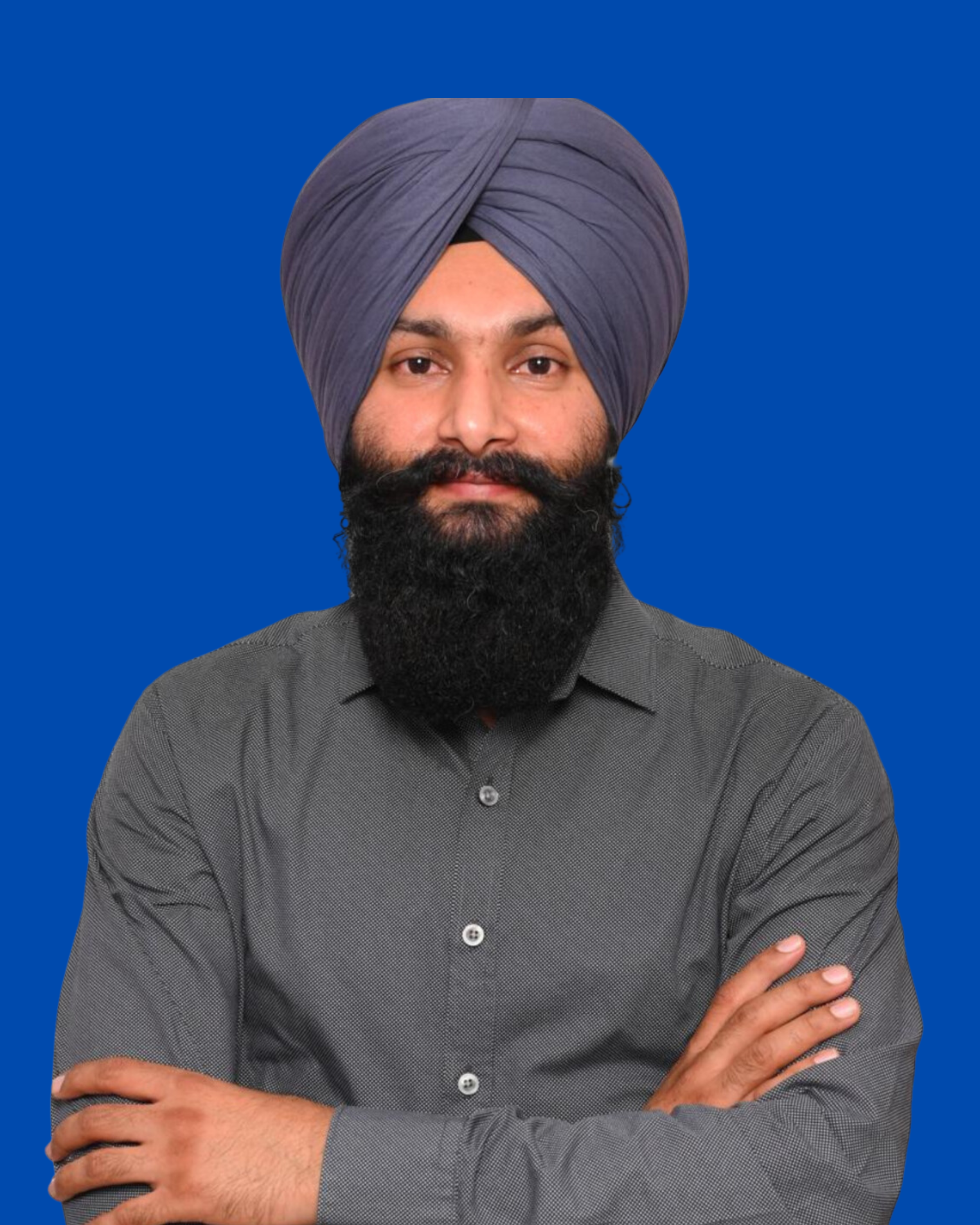
MR KARANVEER SINGH
iPhone Specialist

ARUN KUMAR K
Trainer

RANJITH KUMAR B
Trainer

SHOBANA
Trainer
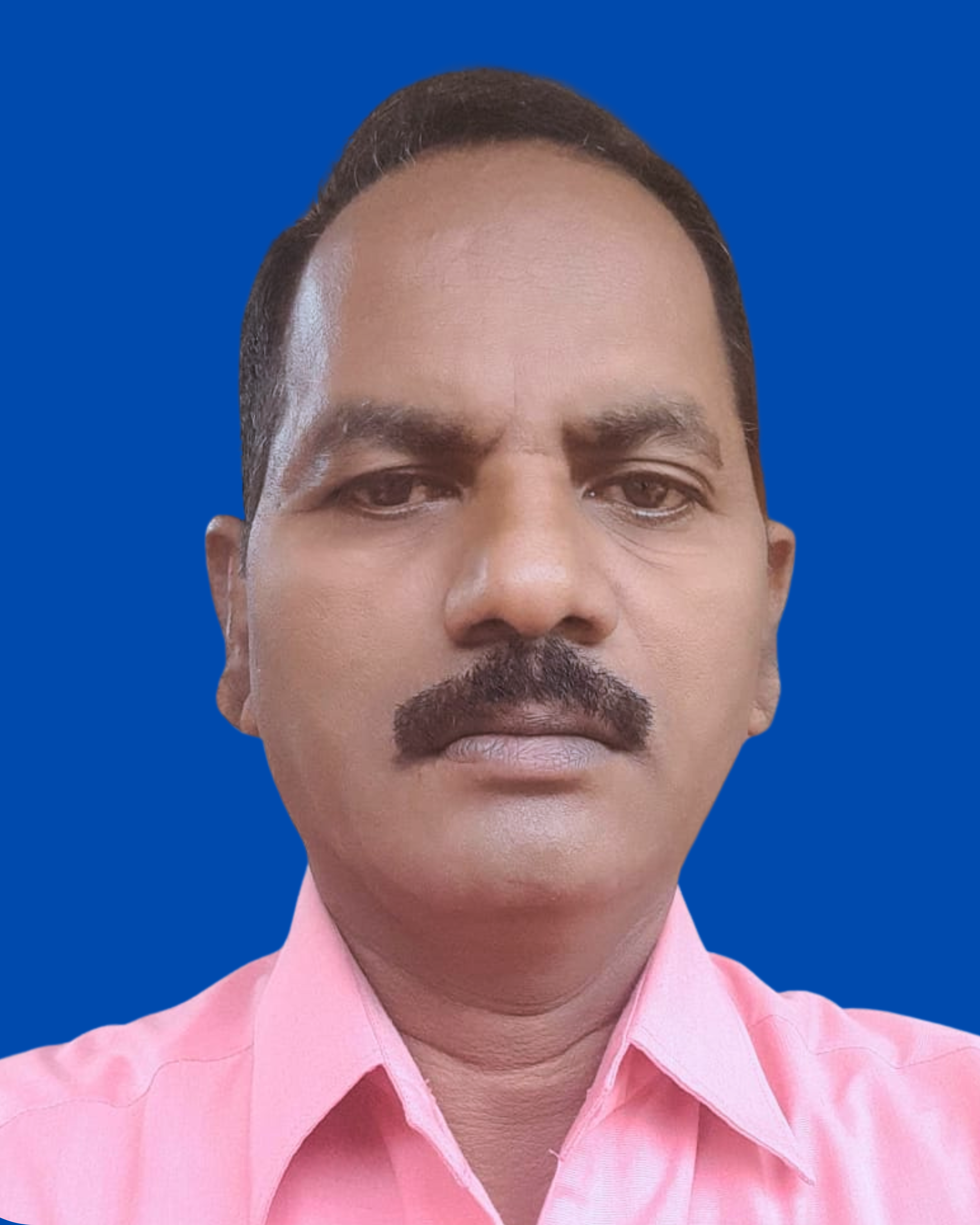
PARTHA SARTHY M
Trainer
Become the go-to expert for mobile, laptop, and CCTV repairs!
Register now to claim your free offline demo class happening this Saturday in T. Nagar, Chennai!
Frequently Asked Questions
Do I need any prior experience to enroll in iPhone repair training?
No prior experience is necessary, but basic familiarity with technology and electronics is required.
What types of laptops will I learn about during the course?
You can choose to learn about either Windows laptops or MacBooks, depending on your preference and goals.
Can I opt for both Android and iPhone courses, or should I choose one?
Yes, you can choose to enroll in either the Android or iPhone course, or both. The courses can be taken individually or together, depending on your preferences and career goals.
How many batches have been completed by your institute?
We have successfully completed over 1,500 batches in the past 15+ years, covering a wide range of courses including mobile phone repair, laptop chip-level repair, TV repair, and CCTV installation training. This extensive experience demonstrates our expertise in technical education. Join our next batch and gain the skills you need to advance your career.
Do you provide placement assistance?
Yes, we offer placement assistance, including interview preparation, resume building, and connecting students with employers in our network to help kickstart their careers.
How will the certificate help in my future career?
The certificate from ICFix Services validates your technical proficiency in mobile repair at the chip level. It adds value to your resume, boosting your credibility and employability by demonstrating both your theoretical knowledge and practical expertise, making you more attractive to employers in the electronics repair industry.